How to schedule a sale in advance on Shopify
You know a sale is coming. The weekend promotion, the launch discount, the Friday flash sale. The prices are decided, the products are picked — but the discount itself only goes live when you sit down and change every price by hand, at the exact moment the sale is supposed to start.
That moment is rarely convenient. It is a Friday at 9 p.m., a Monday at 6 a.m., or the middle of a day you had planned to spend elsewhere. And if you are not there to flip the switch, the sale simply does not start on time.
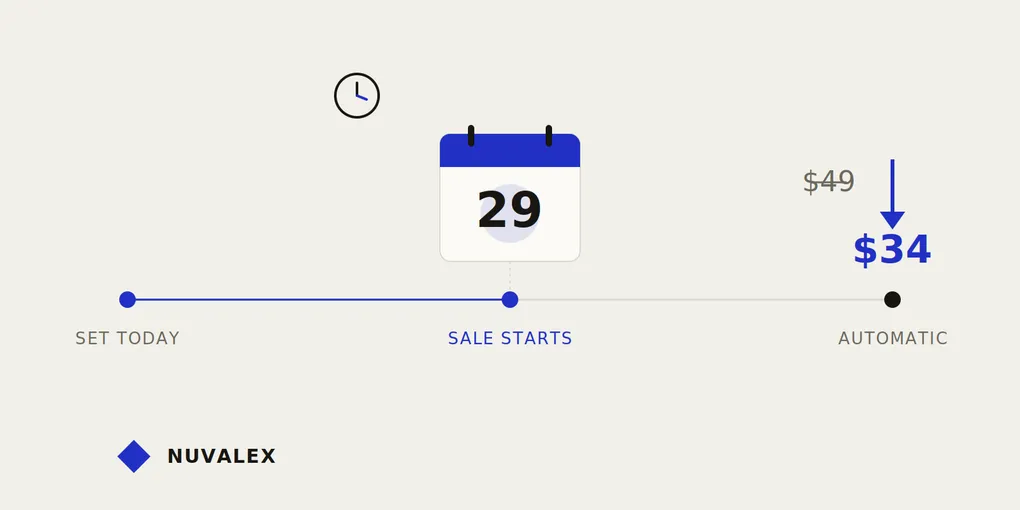
Scheduling fixes this. You decide the prices and the timing once, in advance, and the sale starts on its own. Here is how it works on Shopify, and where the gaps are.
Why “starting a sale” is its own small problem
Running a sale sounds like one task, but it is really two: starting it, and ending it. Most merchants feel the pain of the ending — prices that stay low too long — but the start has its own quiet costs.
Three of them come up again and again:
- Presence. A manual sale only begins when you are at your computer. Sales that should start at midnight or early morning either start late, or pull you out of your evening to launch them.
- Coordination. If you are promoting the sale by email, ads, or social posts scheduled for a specific time, the prices need to match that moment exactly. A discount that goes live twenty minutes after the email does is a stream of disappointed clicks.
- Repetition. Every product you want on sale has to be edited by hand, then remembered and edited back later. The more products, the more room for a missed one.
A scheduled sale removes the need to be present. You set it up when it suits you, and it launches when it should — whether or not you are watching.
The manual method (and where it breaks)
Without scheduling, the routine looks like this:
- Decide the sale prices ahead of time, and note the original prices somewhere safe.
- Wait until the exact start time.
- Change each product’s price by hand.
- Later, at the exact end time, change every price back.
This depends entirely on you being available at two specific moments, often outside working hours. Miss the start, and the promotion you advertised is not real yet. Miss the end, and you keep selling at a discount you never intended. For a related look at the second half of this problem, see how to automatically revert prices after a sale on Shopify.
Shopify’s built-in discount codes help in some cases, but they solve a different problem: a code changes what a customer pays at checkout if they enter it. It does not schedule a change to the actual product price shown on your storefront, and it still leaves the timing in your hands.
The automatic method
The reliable approach is to define the whole sale up front and let software hold the timing:
- Pick the products and the discount. Choose what goes on sale and by how much, in advance.
- Set a start date and time. The sale is scheduled, not launched immediately — in your store’s own timezone, so “8 a.m.” means your 8 a.m.
- Set an end date and time. The same setup that starts the sale also knows when to finish it.
- Let it run. At the start time, prices drop automatically. At the end time, they return to their original values automatically. You are not involved at either moment.
The important shift is that the sale becomes a plan, not a manual task. Once it is scheduled, it no longer depends on you remembering or being available. The original prices are stored before the discount is applied, so the system always knows exactly what to put back when the sale ends.
Where Boomr fits in
This is exactly what Boomr: Sale Scheduler does. You select your products, set a discount, choose a start date and time and an end date and time, and Boomr handles the rest: it stores each original price, applies the sale when the start time arrives, and restores prices automatically when it ends. You can also start or stop a sale manually whenever you want.
Because everything is scheduled ahead of time, the sale lines up with your emails and ads — and you get your evening back.
The takeaway
A good sale is decided in advance, so it should be able to start in advance too. Scheduling lets you set the prices and the timing once, line the discount up with your marketing, and step away. The sale starts on time, ends on time, and never asks you to be at your desk at midnight to make it happen.